Interpres Application - Ordr Integration
- Type: Cloud
- Vendor: Ordr
The Ordr integration will pull devices and vulnerabilities discovered by Ordr or reported by Ordr integrations.
Vendor setup
- On the top navigation bar, click Integrations.
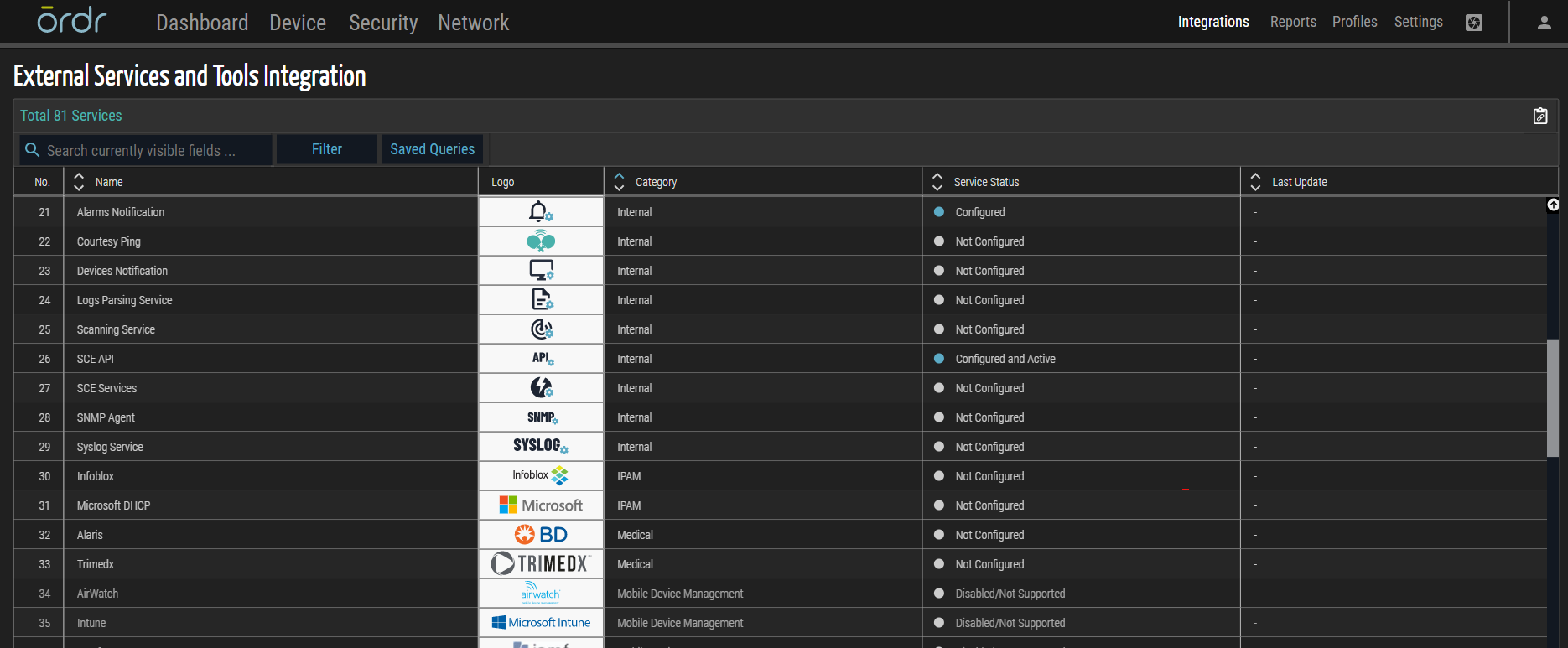
- Type SCE API into the search box, then click SCE API from the table list.
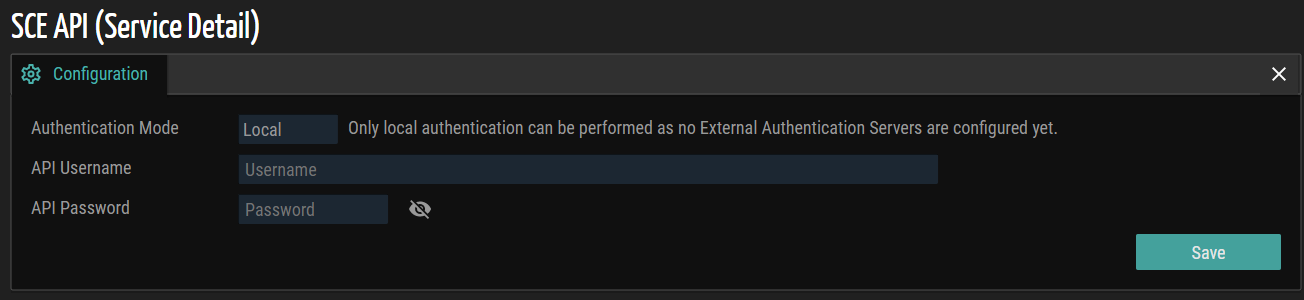
-
Enter the API username and password in the corresponding fields. Authentication mode is set to Local by default.
-
Click Save.
App Configuration
App Parameters:
-
Base URL: The URL to the source instance using the following format http[s]://\<server name or ip>:\<port>
-
Username: SCE API username
-
Password: SCE API password
-
Proxy: A valid proxy server using the following format http[s]://\<server name or ip>:\<port>
App Validation
Check there is connectivity (green light) in the integration created.
Implemented Actions
-
Get Assets: Gets the devices discovered in the network or reported by Ordr integrations.
-
Get Vulnerabilites: Gets vulnerabilities discovered during the scanning process or reported by Ordr integrations.