Interpres Application - ServiceNow
- Type: Business Services
- Vendor: ServiceNow
ServiceNow integration for retrieving and synchronizing incident information.
Vendor setup
- Log into the ServiceNow Developer Portal at https://developer.servicenow.com/
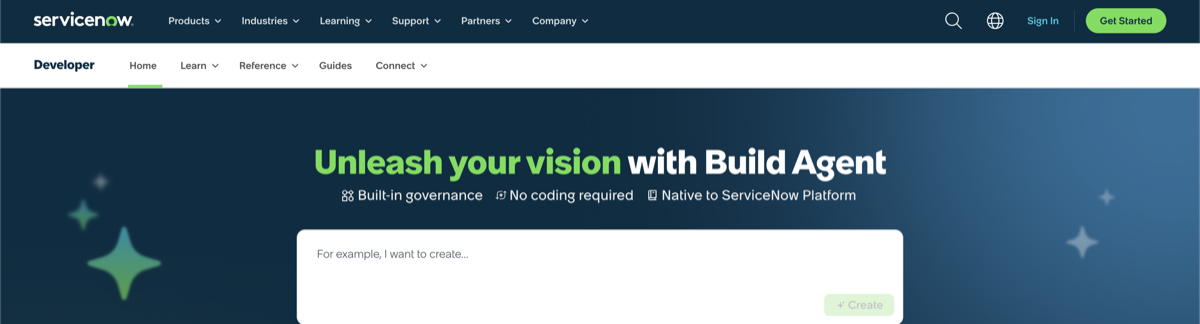
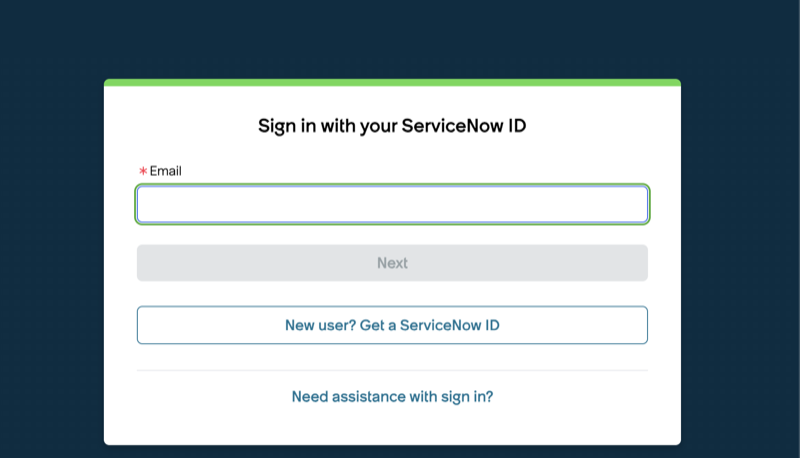
- Click "Sign In" and enter your username and password
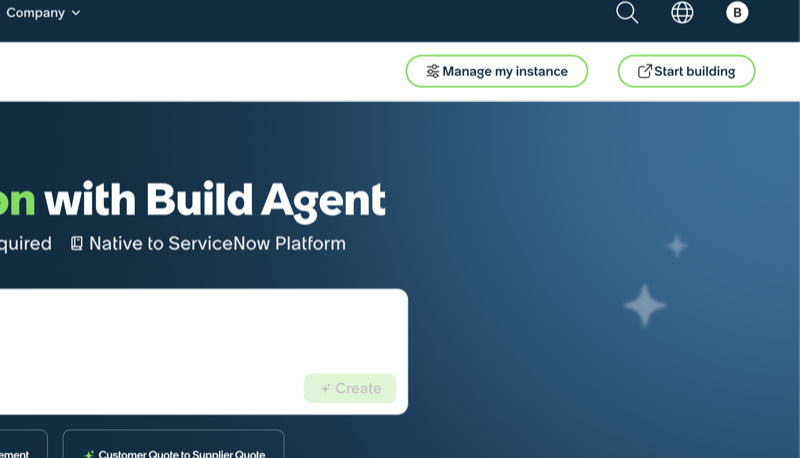
- Click "Manage My Instance"
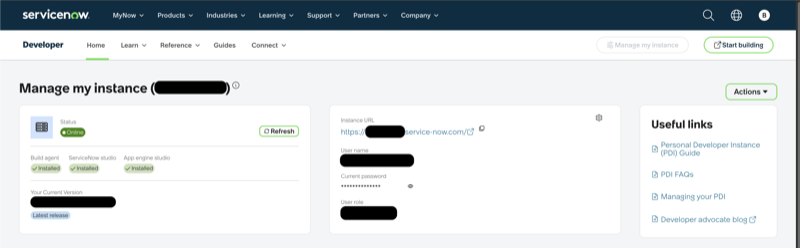
- Locate your ServiceNow instance URL and click the URL to open the instance
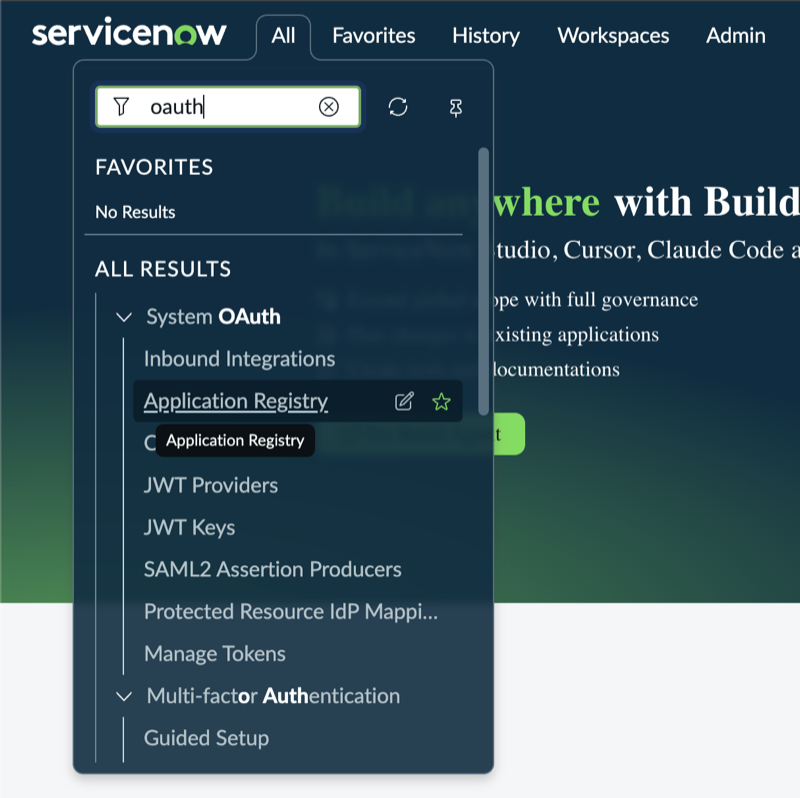
- In the ServiceNow instance, click "All", search for "OAuth", and click "Application Registry" under "System OAuth"
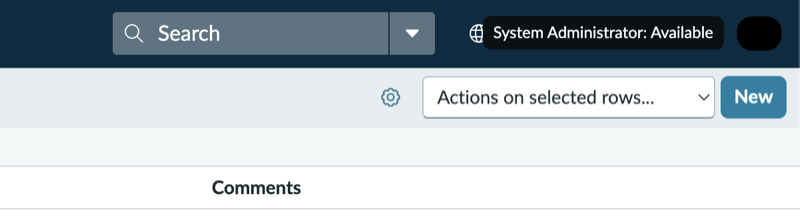
- Click "New" on the Application Registries page
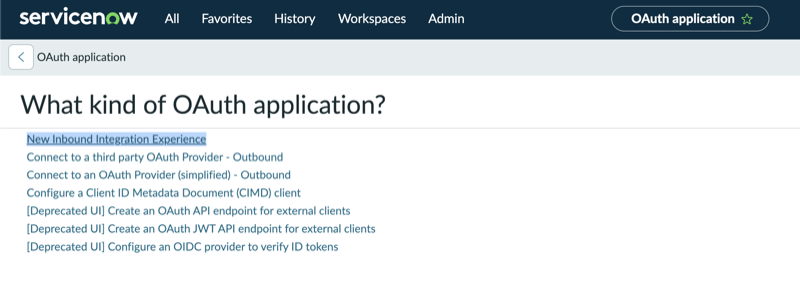
- Select "New Inbound Integration Experience" on the OAuth application page
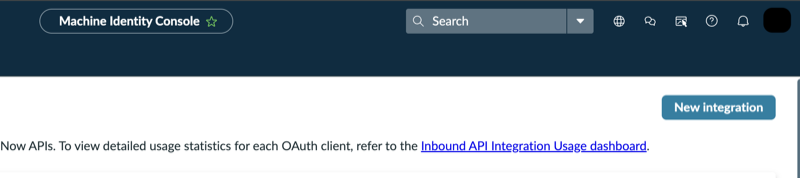
- Click "New integration" in the Machine Identity Console
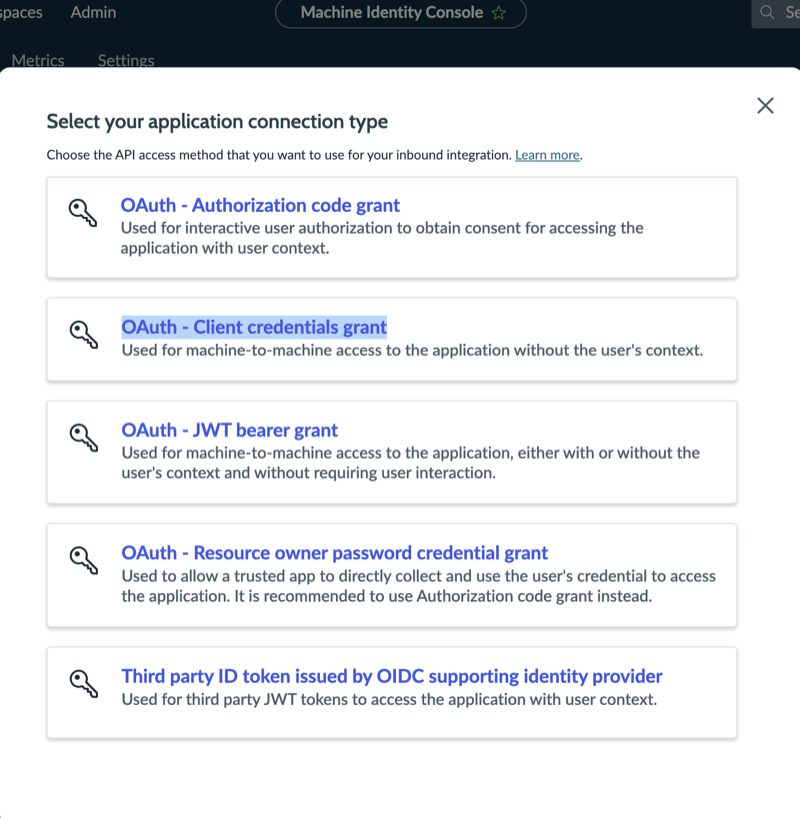
- Select "OAuth - Client credentials grant"
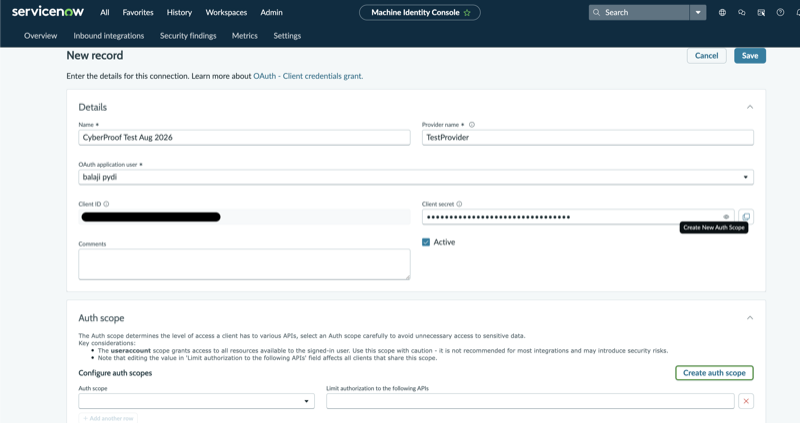
- Enter a name and provider name, select an OAuth application user, leave Active selected, do not create an Auth scope, and click Save
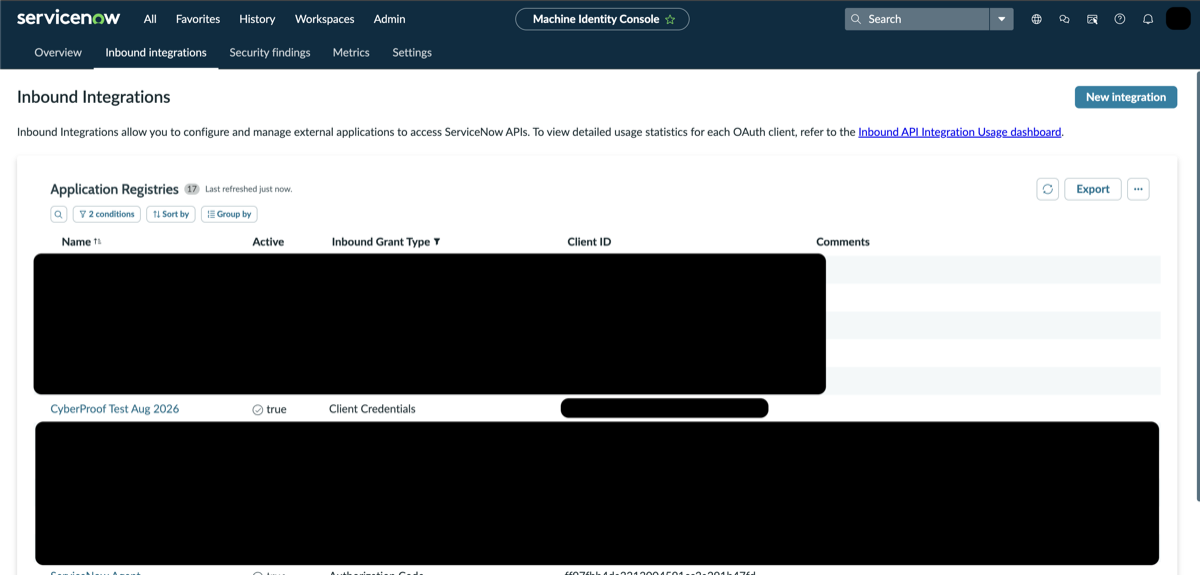
- Navigate to the Application Registries page and click the application that was created
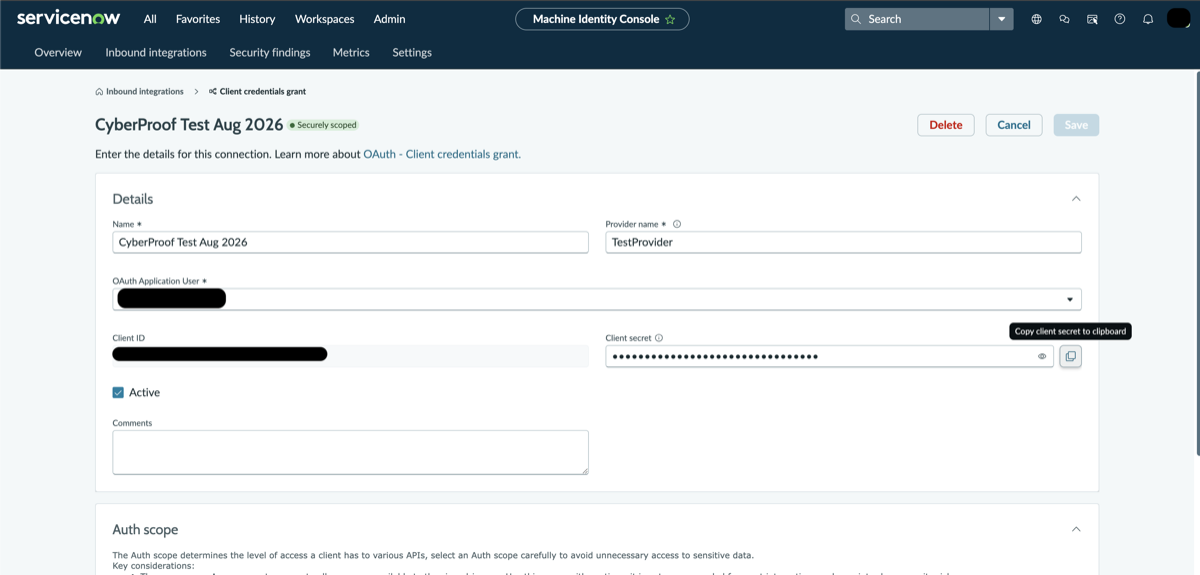
- Copy the Client ID and Client Secret. The Client Secret is hidden and can be copied using the copy button
App Configuration
App Parameters:
-
OAuth2 Client ID (string): OAuth 2.0 client ID for a ServiceNow client-credentials application
-
OAuth2 Client Secret (password): OAuth 2.0 client secret for a ServiceNow client-credentials application
-
Base URL (string): HTTPS URL of the ServiceNow instance, for example
https://example.service-now.com -
OAuth Scope (string, Optional): Optional OAuth scope. Leave empty when the ServiceNow OAuth application does not require a scope.
App Validation
Check there is connectivity (green light) in the integration created.
Implemented Actions
-
Sync Recent Incident Updates: Runs
get_updated_incidentsto retrieve recent updates to Interpres-owned ServiceNow incidents on demand. -
Refresh Interpres Incident Snapshot: Runs
get_interpres_incidentsto refresh the snapshot of all Interpres-owned ServiceNow incidents for reconciliation.